
Nema proizvoda u košarici.
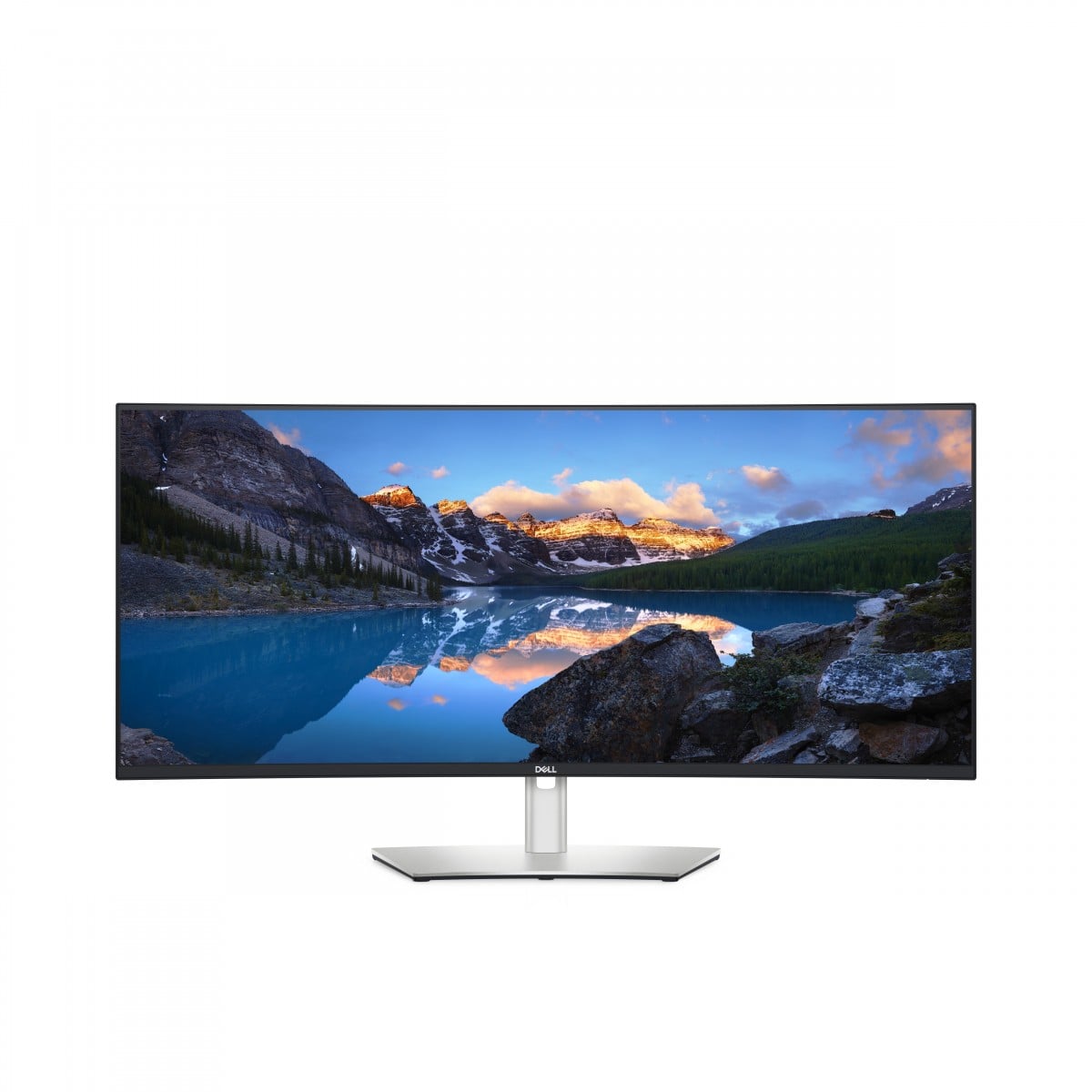

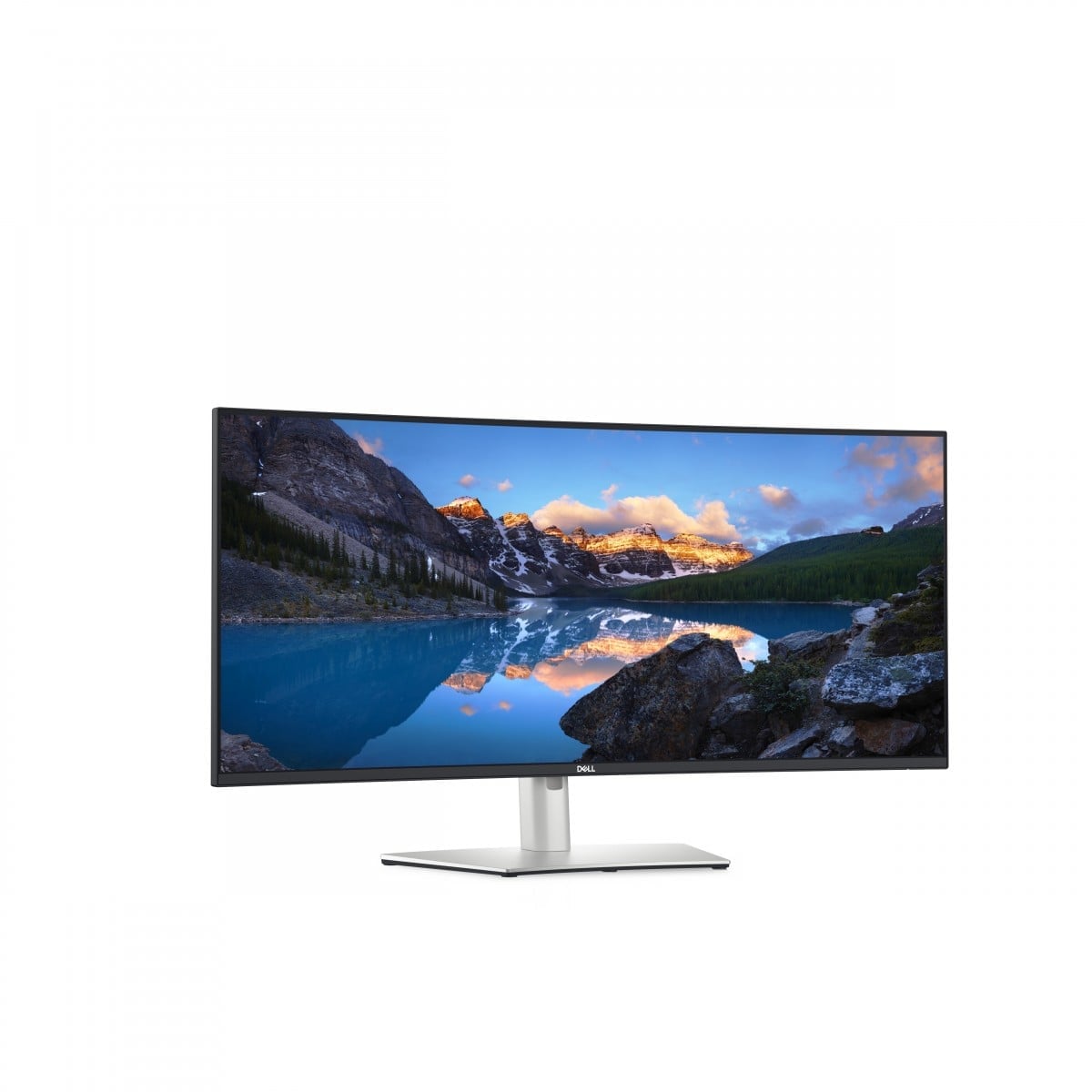




DELL UltraSharp U3824DW LED display 95.2 cm (37.5″) 3840 x 1600 pixels Wide Quad HD+ LCD Black, Silver
Na stanju
1.455,83 €
Na stanju
Dodaj na listu željaVeć je na listi želja
Dodaj na listu želja
Opis
VIBRANT WORKING EXPERIENCE WITH ADVANCED MONITOR TECHNOLOGY
Discover a new dimension of visual experiences with an innovative monitor that combines advanced IPS Black panel technology and exceptional color reproduction. With an impressive contrast ratio of 2000:1 and full coverage of sRGB, Rec. 709, and DCI-P3 color spaces, every detail of your work will gain new intensity, and the depth of black will make images come alive. Furthermore, ComfortView Plus technology takes care of your eyes by minimizing blue light emissions, allowing for longer working hours without fatigue. This monitor is the perfect blend of aesthetics and ergonomics, which will undoubtedly enhance your daily work comfort.


REVOLUTION IN CONNECTIVITY: THE ONLY CABLE THAT DOES IT ALL!
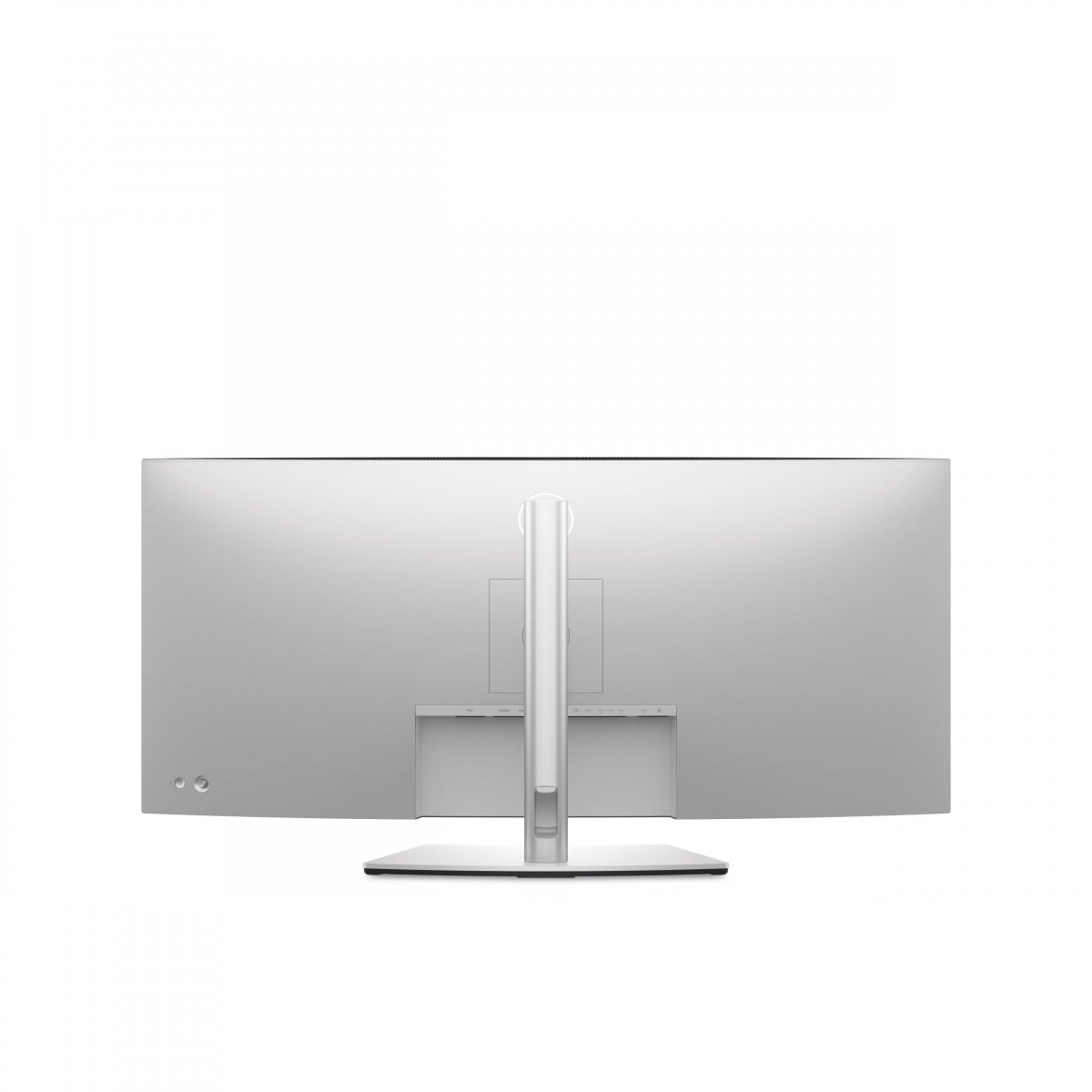
Experience a new standard in work with the innovative USB-C cable that combines data transfer, video signal, and charging capabilities up to 90 W. With versatile USB-A and USB-C ports, you gain the ability to easily connect multiple devices, while additional DP 1.4 and HDMI 2.1 ports expand your connectivity options. A fast and stable connection up to 2.5 GbE via an RJ-45 plug ensures reliability, and features like Wake-on-LAN and RJ-45 port lock provide flexibility in network management. Built-in 9 W speakers and USB-C ports with 15 W charging options enhance the work experience. Completing the setup is the Dell Power Button Sync, which quickly wakes the laptop, allowing you to start projects immediately.
SEAMLESS SWITCHING BETWEEN COMPUTERS WITH KVM FUNCTIONALITY
Discover a new standard in multitasking with an innovative solution that allows you to seamlessly perform multiple tasks simultaneously. Our system enables the monitor to connect to two personal computers, and the advanced Auto KVM function ensures effortless control switching, allowing you to easily manage both devices. You gain the comfort of working with one keyboard and mouse, greatly increasing your productivity. The intuitive KVM wizard makes setup quick and straightforward, enabling you to fully focus on your tasks. This is the perfect solution for professionals who value efficiency and convenience in their daily responsibilities.


ERGONOMICS AND WORK COMFORT AT YOUR FINGERTIPS
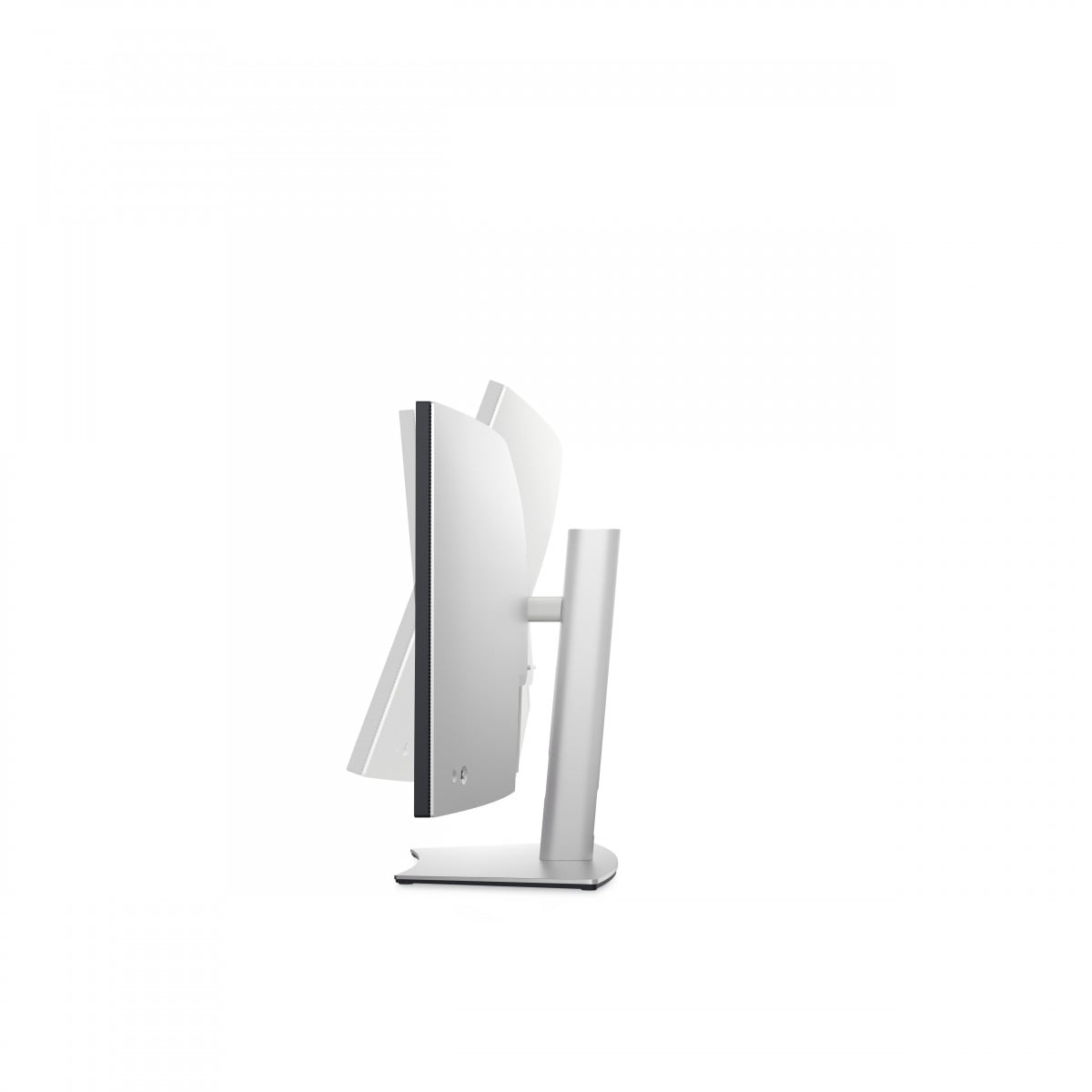
Experience a new level of comfort while working with an innovative monitor adjustment system that allows for easy tilting, rotating, and height adjustment to individual user needs. Our product is designed for those who spend long hours in front of a screen, providing ergonomic support that minimizes fatigue. With flexible settings, you can enjoy comfort and improved posture, leading to increased productivity and satisfaction with your work. Invest in your health and well-being by choosing solutions that truly matter.
REVOLUTIONIZING WORKSPACE MANAGEMENT WITH DELL!
Dell Display and Peripheral Manager is a revolutionary application that introduces a new standard in workspace management. With the EasyArrange feature, users can efficiently organize their applications across multiple screens, significantly enhancing multitasking comfort. Additionally, EasyArrange Memory allows you to save and restore preferred window layouts, making work even more organized. The application also enables easy navigation between different computers and monitors, as well as efficient file transfers, greatly streamlining daily tasks. With the Dell Device Management Console, managing a fleet of peripheral devices has never been easier, saving time and increasing efficiency in the IT environment.


ECO-FRIENDLY DELL MONITORS – A FUTURE IN HARMONY WITH NATURE
Dell’s commercial monitors are a perfect example of an ecological approach to technology, blending innovation with environmental responsibility. Made of 85% recycled plastic and 90% recycled aluminum, they meet the highest environmental protection standards, such as Energy Star® and EPEAT® Gold. Environmentally friendly packaging, 90% recyclable, highlights the company’s commitment to sustainability. With the PowerNap feature, the monitor saves energy by dimming the screen or entering sleep mode when not in use. Dell Technologies is continuously striving to minimize its environmental impact at every stage of the product life cycle, making it an ideal choice for environmentally conscious users.

Reviews
There are no reviews yet.